








Monarx at Libyan Spider: From Behind-the-Scenes Protection to Security You Can See

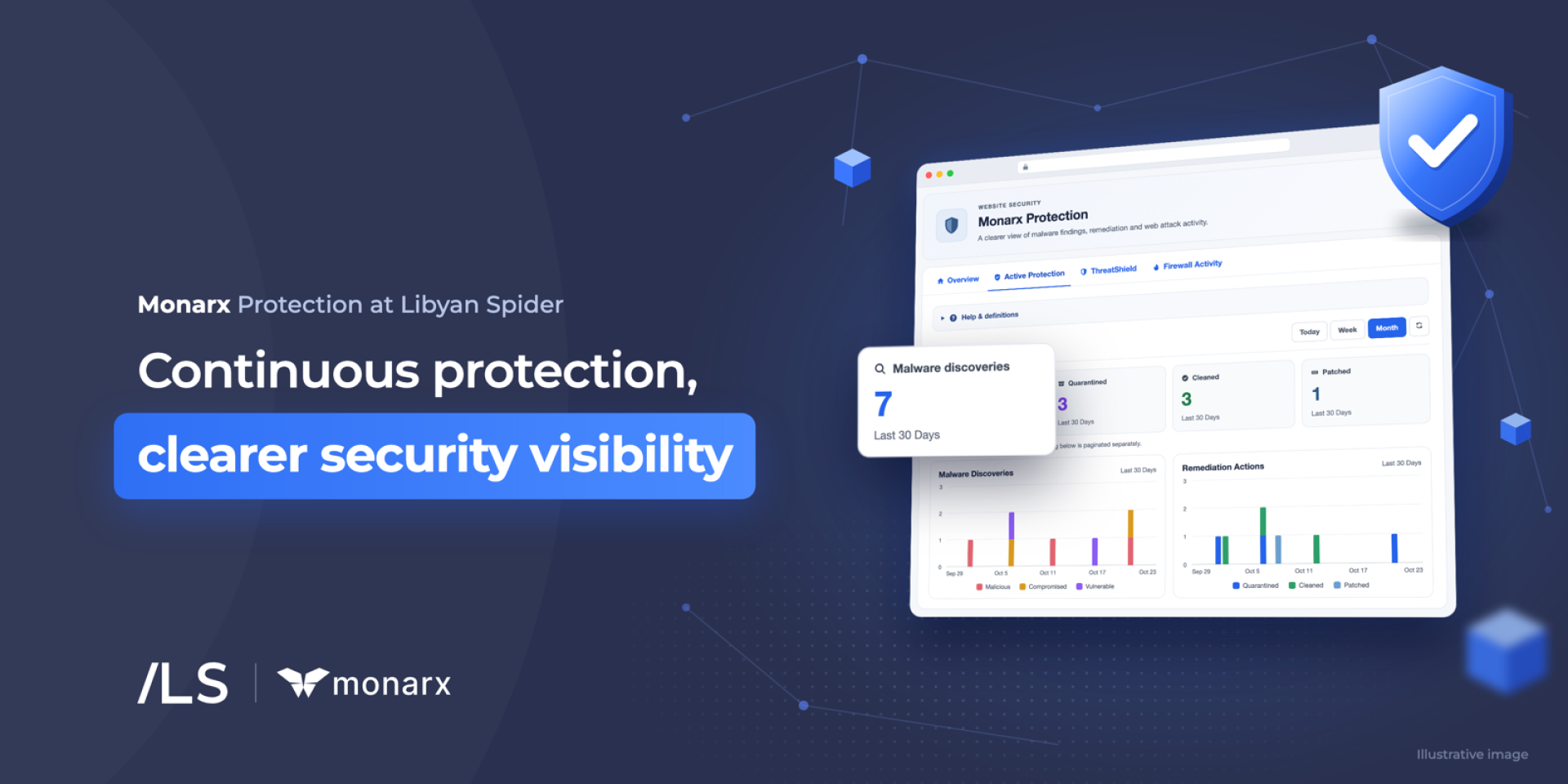
Monarx at Libyan Spider has been working behind the scenes across parts of our hosting infrastructure, helping detect malware, respond to malicious activity, and strengthen website and server protection.
Today, we’re bringing more of that protection experience directly to our customers.
More visibility. Clearer security reporting. And greater control over supported protection features.
With Monarx integrated into the Libyan Spider Client Area, customers with active, eligible hosting services can view available security information, access detailed reporting according to their service entitlements, and manage supported protection settings.
Customers can also purchase additional Monarx protection services for eligible hosting environments.
Protection was already there. Now you can see more of it.
Security infrastructure often does its best work quietly.
Malicious files may be detected. Suspicious requests may be blocked. Security rules may be applied to help defend websites and servers against threats.
But when all of that happens in the background, customers may have limited visibility into the security activity affecting their services.
Now, Monarx brings more of that information directly into the Libyan Spider Client Area.
Depending on the hosting service and enabled protection features, customers can access:
- Current protection status
- Malware discoveries and remediation activity
- ThreatShield security events
- Blocked and logged web requests
- Security event details
- Firewall and network activity for eligible servers
- Security reports across different reporting periods
- Supported protection controls and additional security options
Your hosting and security, in one place
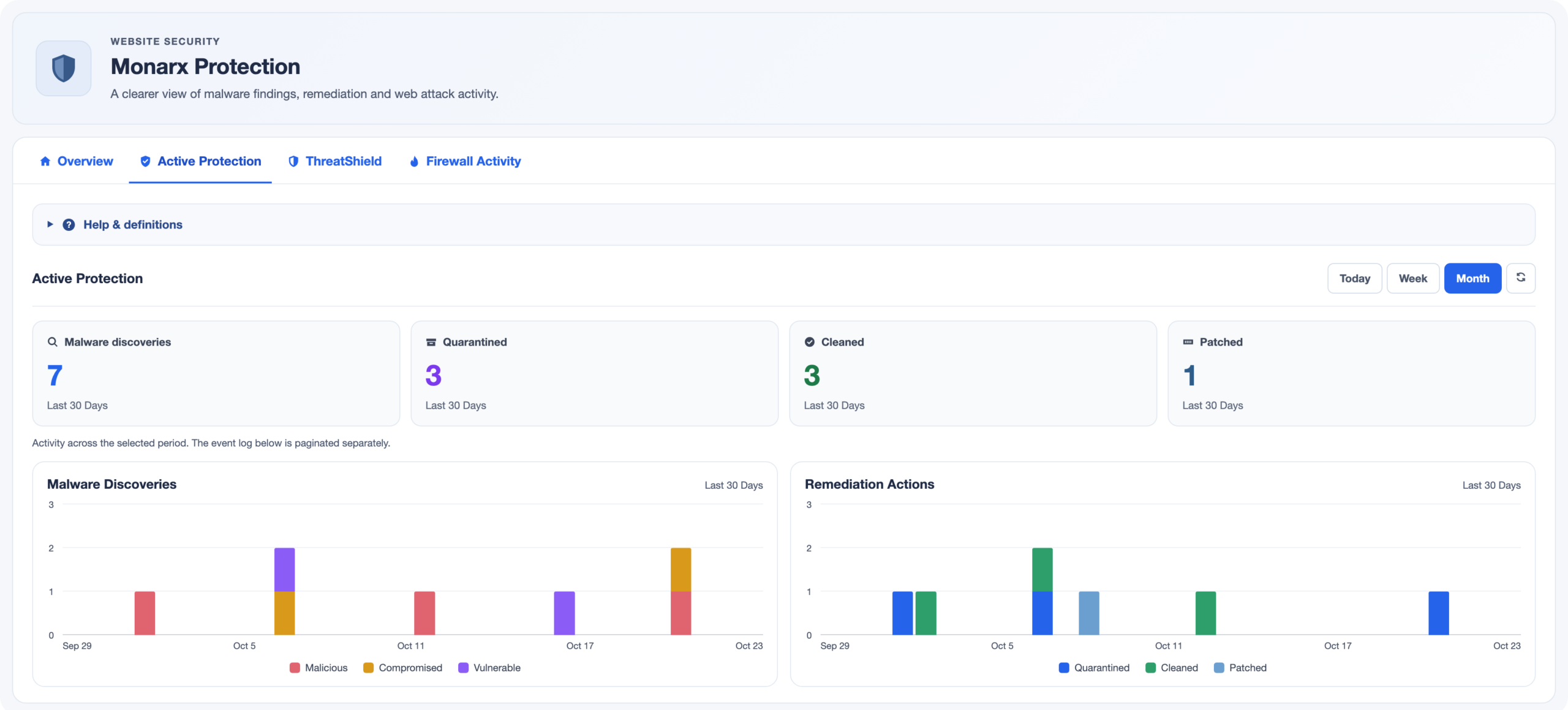
With Monarx integrated into the Libyan Spider Client Area, customers can manage their hosting services and access available security capabilities through a familiar interface.
For customers with active services
Customers with active, eligible hosting services can review their available Monarx protection status and security activity.
Where the relevant protection service and permissions are enabled, they can access detailed reports and manage supported security settings directly from the Client Area.
For customers looking to enhance protection
Additional Monarx services can be purchased for eligible Shared Hosting, VPS, and Dedicated Server environments.
Available options depend on the hosting service, its technical compatibility, and the protection capabilities that environment supports.
This gives customers the flexibility to choose additional security features according to their needs.
Multiple layers for different types of threats
Monarx provides complementary security capabilities designed to address different threats.
Active Protection
Active Protection focuses on malware and malicious files.
It helps detect suspicious files and, when automatic remediation is enabled, can quarantine malicious files or remove injected malicious code according to the configured protection policy.
Eligible customers can review malware discoveries, remediation activity, and related security events.
ThreatShield
ThreatShield focuses on malicious activity targeting applications while they are running.
It helps identify and block suspicious requests, exploitation attempts, and other malicious runtime behavior.
Available reports provide visibility into blocked or logged events and relevant security details.
SmartWAF and Firewall Activity
For eligible server environments, Monarx provides additional firewall capabilities designed to help protect against malicious network activity.
Available reporting offers insight into blocked sources and network events.
Feature availability and management options depend on the hosting service and its configuration.
Different hosting environments. Relevant protection options.
Shared Hosting
Some shared-hosting environments already benefit from Monarx protection at the infrastructure level.
Eligible customers can purchase additional Monarx services to access more detailed account-level reporting or other available capabilities.
This provides greater transparency into security activity without requiring customers to manage the underlying shared-hosting infrastructure.
VPS and Dedicated Servers
For eligible Linux VPS and Dedicated Servers, Monarx can operate through a server-level security agent.
Depending on the selected services and configuration, customers can benefit from malware detection, automatic remediation, ThreatShield, and eligible firewall capabilities.
Available protection services can be purchased for compatible servers, with reporting and supported management options accessible through the Client Area once the relevant service is active and configured.
Better visibility. Better security decisions.
A security dashboard should do more than display numbers.
It should help customers understand what is happening.
Reviewing blocked requests, malware discoveries, security events, and activity trends can help identify unusual behavior and support informed decisions about website and server security.
It also provides useful context when contacting technical support, making it easier to investigate potential security concerns.
Part of a layered security strategy
Monarx complements essential security practices, including regular software updates, secure configurations, strong authentication, web application protection, monitoring, and reliable backups.
No single security solution eliminates every risk.
Combining multiple layers of protection with clearer security visibility helps website owners and server administrators take a more informed and proactive approach.
From protection in the background to security you can see
Monarx has already been part of Libyan Spider’s hosting security infrastructure.
Now, we’re making more of that experience available directly to our customers.
More visibility. Clearer reporting. Easier management. And additional protection options for eligible services.
All connected to the hosting services you already manage with Libyan Spider.
Explore Monarx
Already a Libyan Spider customer?
Sign in to your Client Area, navigate to Services → My Services, and select an active hosting service to review available Monarx features, reporting, and supported controls.
Want additional protection?
Explore the available Monarx services and choose the appropriate protection for an eligible hosting environment.
If you’re unsure which protection options are suitable for your website, VPS, or Dedicated Server, our team can help you review the available services.
Share:













Leave a Reply