







Your Team Is Using AI. Do You Know What They’re Sharing?

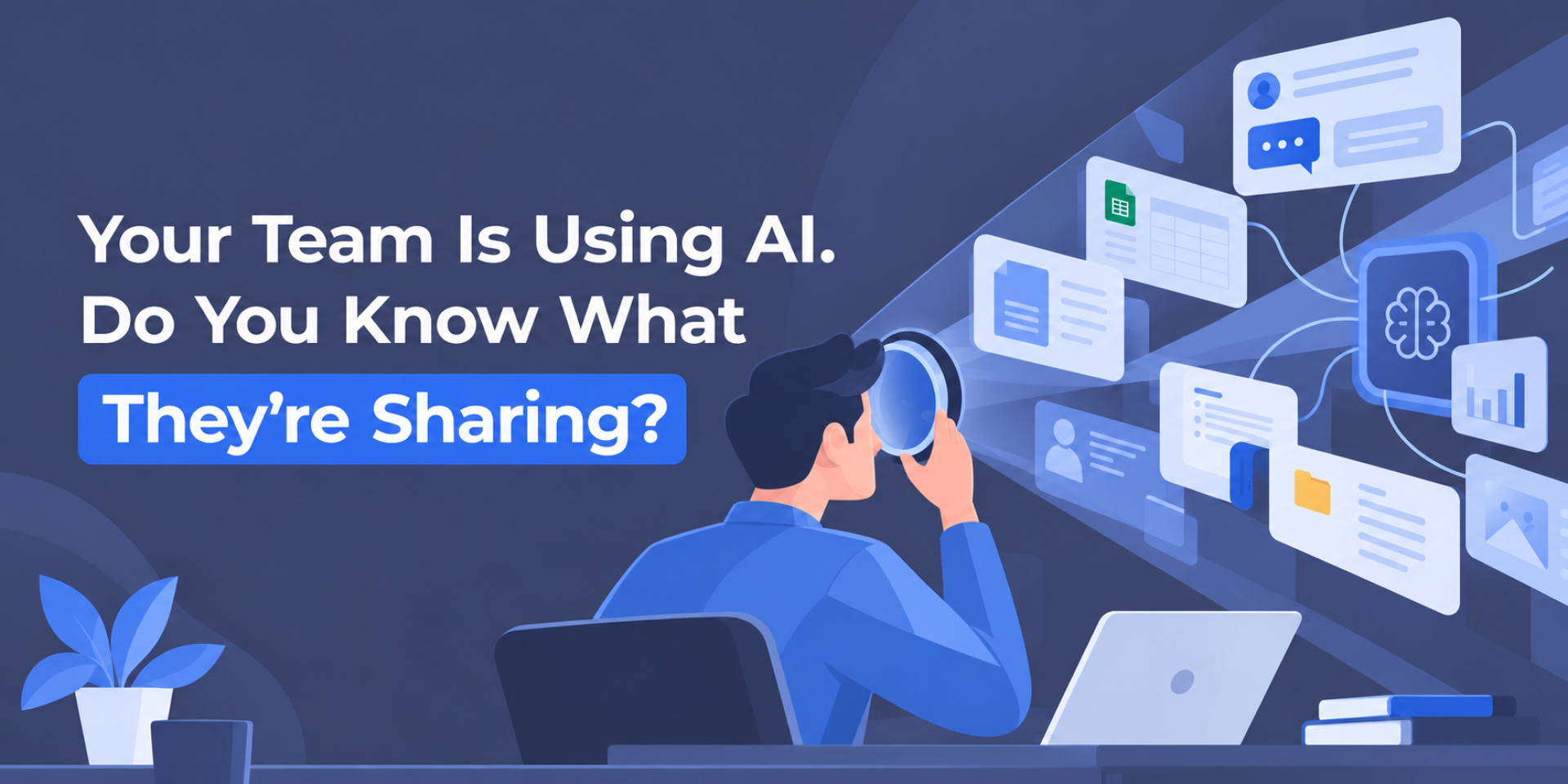
Your team may already be using AI at work, whether or not your business has formally approved an AI tool.
A salesperson pastes a long WhatsApp conversation with a customer into a chatbot to summarize it before writing a proposal. An accountant uploads a spreadsheet and asks for the trends. Someone in HR uses an AI tool to review CVs. Another employee uses a personal AI application to complete a work-related task.
None of this feels unusual, and much of it can save time.
But it raises a question every business today needs to answer:
What company information are employees sharing with AI tools, and does anyone know where it goes?
What is Shadow AI?
Shadow AI is using AI tools for work without the organization formally approving, managing, or overseeing them.
It can involve summarizing documents, analyzing spreadsheets, drafting emails, translating files, generating code, or completing other business tasks through tools or accounts that the organization does not manage.
The concern is not simply that employees are using AI.
It is that the business may not know which tools are being used, what information is being shared with them, which accounts employees use, or how those services handle company data.

Netskope’s Cloud and Threat Report 2026 found that 47% of generative AI users in the organizations it observed were using personal AI applications. It also reported that incidents involving sensitive information being sent to AI applications had doubled over the previous year.
While these figures come from global enterprise telemetry rather than a study specific to the Libyan market, the core principles still apply: employees are adopting and building workflows around AI tools at a pace that far outstrips organizations’ ability to establish or update governance policies.
When AI use grows faster than oversight
AI governance can sound like a concern aimed mainly at large organizations with dedicated IT, security, and compliance teams. But small and mid-sized businesses can face many of the same challenges, often with fewer people available to identify and manage them.
As a company grows, different teams may adopt AI tools independently, using different accounts, settings, and data-handling practices. Over time, the organization can lose visibility into what is approved, who is using what, and where company information is processed.
Shadow AI rarely begins with someone intentionally ignoring security. More often, it begins with convenience. The challenge is managing what follows.
One concern is where company information goes. How an AI service handles information depends on the provider, the account being used, its configuration, and its current data policies. Asking AI to improve public website copy presents a very different level of risk from uploading a confidential customer contract.
Another is tool fragmentation. If employees independently choose their own AI applications, the organization can gradually build an unofficial AI environment without anyone having a complete view of it.
There is also what AI returns. AI-generated output can include inaccurate information, missing context, outdated details, or easy-to-miss assumptions. That matters when the output reaches a customer, contributes to financial analysis, appears in a contract, or enters production code.
AI can support the work, but it does not remove the need to manage how it is used. For most businesses, that can begin with a few practical steps.
That is one of the central problems behind Shadow AI: the business loses visibility over how AI is being used.
What does Shadow AI look like during a normal workday?
AI governance can sound like a concern aimed mainly at large organizations with dedicated IT, security, and compliance teams. But small and mid-sized businesses can face many of the same challenges, often with fewer people available to identify and manage them.
As a company grows, different teams may adopt AI tools independently, using different accounts, settings, and data-handling practices. Over time, the organization can lose visibility into what is approved, who is using what, and where company information is processed.
Shadow AI rarely begins with someone intentionally ignoring security. More often, it begins with convenience. The challenge is managing what follows.
One concern is where company information goes. How an AI service handles information depends on the provider, the account being used, its configuration, and its current data policies. Asking AI to improve public website copy presents a very different level of risk from uploading a confidential customer contract.
Another is tool fragmentation. If employees independently choose their own AI applications, the organization can gradually build an unofficial AI environment without anyone having a complete view of it.
There is also what AI returns. AI-generated output can include inaccurate information, missing context, outdated details, or easy-to-miss assumptions. That matters when the output reaches a customer, contributes to financial analysis, appears in a contract, or enters production code.
AI can support the work, but it does not remove the need to manage how it is used. For most businesses, that can begin with a few practical steps.
Five practical steps to manage Shadow AI
1. Identify which AI tools fit your business
Before deciding what employees can use, identify where AI actually provides value to your organization.
Your team might need it for writing, document summaries, spreadsheet analysis, translation, coding, or other specific tasks. From there, evaluate potential tools based on your business needs, security requirements, account management, and data-handling expectations.
The goal is to create a clear set of approved tools for defined business uses, rather than letting adoption happen one employee at a time.
2. Find out what employees already use
Once you know what the organization wants to approve, compare that with what is already happening.
Ask employees which AI tools they use, what tasks they use them for, and whether they access them through personal or company-managed accounts. The goal is visibility, not punishment.
This distinction matters. Using an AI service through a personal account is different from using AI features inside a business platform managed by the organization. Managed environments can give administrators additional controls over user access, permissions, retention, auditing, and how company information is handled.
3. Define what can and cannot be shared
Even an approved tool doesn’t mean you should enter every type of information into it.
Employees need simple rules they can apply during a normal working day. A practical starting point is to distinguish between three levels of information:
- Public information: published website content, press releases, and general brainstorming. This may be suitable for approved AI tools.
- Internal information: draft reports, meeting notes, operational documents, and internal plans. Use this only where the tool is approved, and company policy allows it.
- Sensitive information: customer data, passwords and credentials, confidential contracts, financial records, and employee information. This should not be entered into unapproved AI tools.
Before sharing anything, employees can ask one simple question:
Should this information be processed by this tool for this task?
4. Provide an approved option and keep human review
If employees use AI because it genuinely helps them complete their work, banning it may simply make its use harder to see.
Providing an approved option gives employees a clearer place to work while giving the organization more visibility over the tools being used.
Human review should then match the importance of the task. A brainstormed headline may require only a quick check, while a customer proposal, financial summary, contract, technical configuration, or production code needs more careful verification.
5. Turn the rules into a simple AI-use policy
Once the organization has selected appropriate tools and defined its basic data rules, it should document those decisions.
The first version does not need to be long. A practical one-page policy can cover:
- Which AI tools are approved for work.
- Which information employees must never enter into unapproved tools.
- How internal documents should be handled.
- Which AI-generated outputs require human review.
- Who employees should ask when they are unsure.
- When the policy and approved tools will be reviewed.
The purpose is not to create more paperwork. It is to give everyone the same starting rules.
AI services also change quickly. Features are added, integrations expand, account types change, and providers update their policies. The approved-tool list and the rules governing how those tools are used should therefore be reviewed periodically.
From Shadow AI to managed AI use
The goal is not to remove useful AI tools, but to make their use more visible, intentional, and manageable.
For many businesses, that can start with a few practical decisions: which tools are appropriate for work, what information can be shared, where human review is required, and how those rules are communicated across the team.
Managed business environments can support this approach by providing additional controls around access, permissions, and how company information is handled. These controls do not replace an internal AI policy; they support it.
As a Microsoft and Google partner, Libyan Spider provides Microsoft 365 and Google Workspace solutions and helps organizations choose the package that best fits their business requirements.
The question is no longer whether your team uses AI. It’s whether you know how.
Share:












Leave a Reply